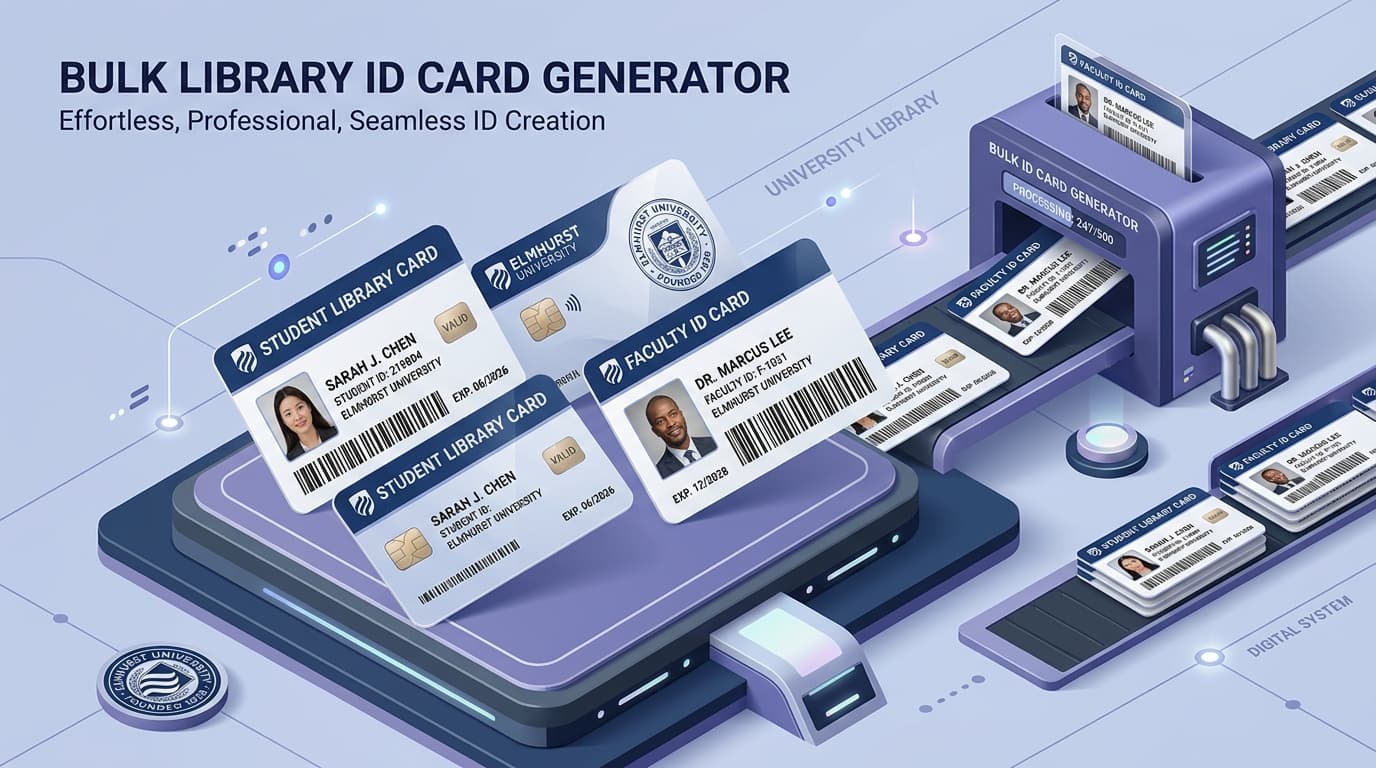
How to Design & Print Bulk Library ID Cards with Barcodes
Learn how to batch generate professional student, faculty, and staff library ID cards with barcodes, photos, and print-ready A4/PVC layouts from Excel.
Why Use the Library ID Card Generator?
Issuing library ID cards to hundreds or thousands of new students at the start of an academic session is traditionally one of the most tedious and expensive tasks for library staff. Commercial ID card printing agencies often charge high per-card fees, take weeks to deliver, and frequently introduce misprints in student names, roll numbers, or barcode accession numbers.
The LISWALA Library ID Card Generator enables librarians and administrative teams to design, customize, and batch-produce professional, scanner-ready ID cards entirely in-house. With support for standard CR-80 card dimensions, dynamic Code 128 barcodes, automated bulk photo ZIP matching, and customizable front/back templates, libraries can issue cards immediately with zero software costs.
Batch produce hundreds of professional, barcode-embedded library ID cards in seconds. Simply upload your Excel spreadsheet, attach your photo ZIP folder, select a designer template, and export print-ready A4 or PVC card PDFs.
What You Need Before Starting
Organize your patron spreadsheet and optional photo folder.
Patron Data Spreadsheet
An Excel (.xlsx) or CSV file with patron records. Built-in templates are available for Students, Faculty, Staff, Research Scholars, Guests, and Universal formats.
Download the pre-formatted Excel template directly from the tool interface.
Bulk Photo ZIP Archive (Optional)
A ZIP file containing patron photos formatted as JPG, JPEG, PNG, or WEBP. Each photo file must be named with the patron's Library ID (e.g., LIB001.jpg).
The system automatically matches each photo to its corresponding patron row.
Standard A4 or PVC Card Printer
Print directly onto A4 cardstock (3 cards per sheet) for paper/laminated pouch badges, or export single-card PDFs for direct-to-card PVC thermal printers.
Steps to Generate Bulk Library ID Cards
A complete step-by-step workflow from spreadsheet import to print-ready PDF export.
Download Excel Template & Prepare Data
Choose your card holder type (Student, Faculty, Staff, Scholar, Guest, or Universal) and download the pre-formatted Excel template. Fill in patron details ensuring each record has a unique Library ID.
Upload Spreadsheet & Photos ZIP
Upload your populated Excel spreadsheet. Next, upload your ZIP folder of patron photos. The system instantly pairs each photo by Library ID and presents a detailed match report.
Select Design Template & Brand Colors
Choose from 20+ professional academic templates. Customize your institution name, header background, theme colors, university logo, and authorized signatory graphic.
Configure Barcodes & Card Back
Select barcode placement, barcode height, and Code 128 symbology. Configure the card back with your library circulation rules, validity dates, return address, and terms.
Live Canvas Preview & Photo Cropping
Preview cards with realistic front and back flip views. Use the built-in inline image cropper to pan and zoom individual photos without external graphic design software.
Generate & Print High-Resolution PDF
Select your print layout mode (Duplex or Fold / Sided) and click Download PDF. Print on A4 sheets at Actual Size (100% Scale) or send directly to your PVC card printer.
Print & Export Capabilities
Production-grade outputs configured for modern academic institutions and libraries.
3 cards per sheet with cutting lines
Two-sided PVC or fold-over cardstock
Universal handheld scanner scannability
Zero patron data sent to external servers
Ready to Generate Bulk Library ID Cards?
Download the Excel template, upload your student list, and generate print-ready barcode ID cards in minutes.
You May Also Need
Based on your current workflow, these tools might be helpful.